Core Web Vitals are the set of metrics Google uses to measure real‑world user experience, and by now they’re also a ranking signal. But treating them purely as an SEO checkbox misses the point — they measure things visitors genuinely feel.
The three metrics, in plain terms
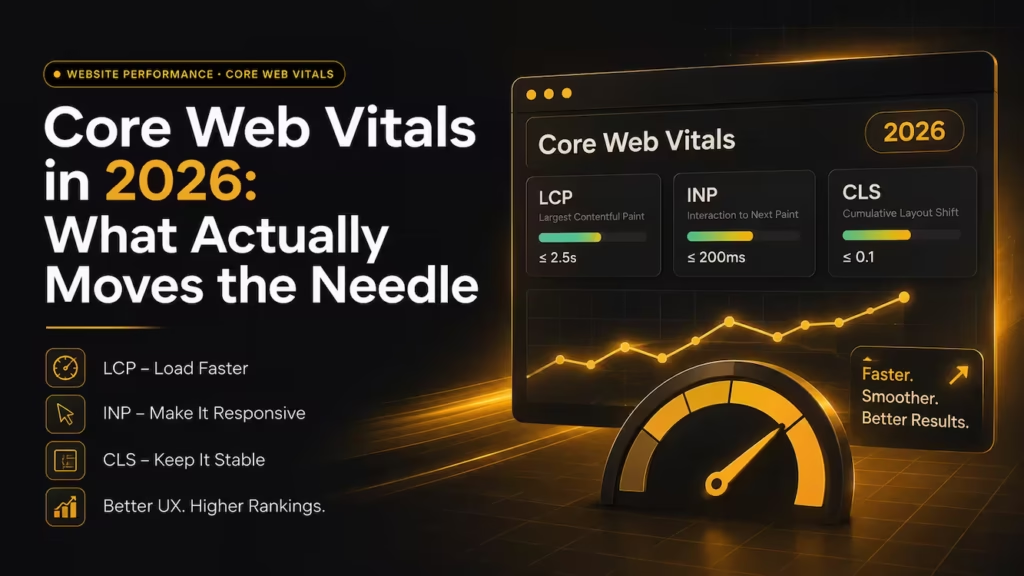
- Largest Contentful Paint (LCP) — how long until the main content is visible. Slow LCP feels like “is this page even loading?”
- Interaction to Next Paint (INP) — how responsive the page feels when clicked or tapped. Poor INP feels like a laggy, unresponsive app.
- Cumulative Layout Shift (CLS) — how much content jumps around while loading. High CLS is the frustration of tapping a button just as an ad shifts it away.
Google considers a URL to “pass” only when at least 75% of real visits meet the target for all three metrics at once — so a page that feels fast on your machine can still fail for the majority of visitors on slower devices.
Common causes worth checking first
Oversized hero images and late‑loading web fonts are the usual LCP culprits. Heavy third‑party scripts — chat widgets, ad networks, tracking pixels — are the most common cause of poor INP. Images and ads without reserved dimensions are almost always behind CLS. Many of these overlap with everyday website page load time issues, and a good caching and CDN setup removes several at once. Lab tools and field data can disagree, so trust what real users experience over a single lab score.
Measure before you optimize
It’s tempting to guess at fixes, but Google’s free PageSpeed Insights and Search Console both report real Core Web Vitals data from actual visitors. Start there, fix the specific metric that’s failing, and re‑measure — rather than optimizing blindly. Fix one metric at a time and re‑measure after each change; bundling ten “optimizations” together makes it impossible to know which one actually helped, or quietly made things worse. If the failing metric points back to your infrastructure, our Web Development and Hosting team can profile and fix it.