Most broken WordPress sites were not hacked. They were edited. Someone updated a plugin at 17:45 on a Friday, the checkout stopped working, and nobody noticed until Monday. A staging site removes that risk almost entirely, for the price of a coffee a month. So why do so few small businesses have one?
Why a staging site pays for itself
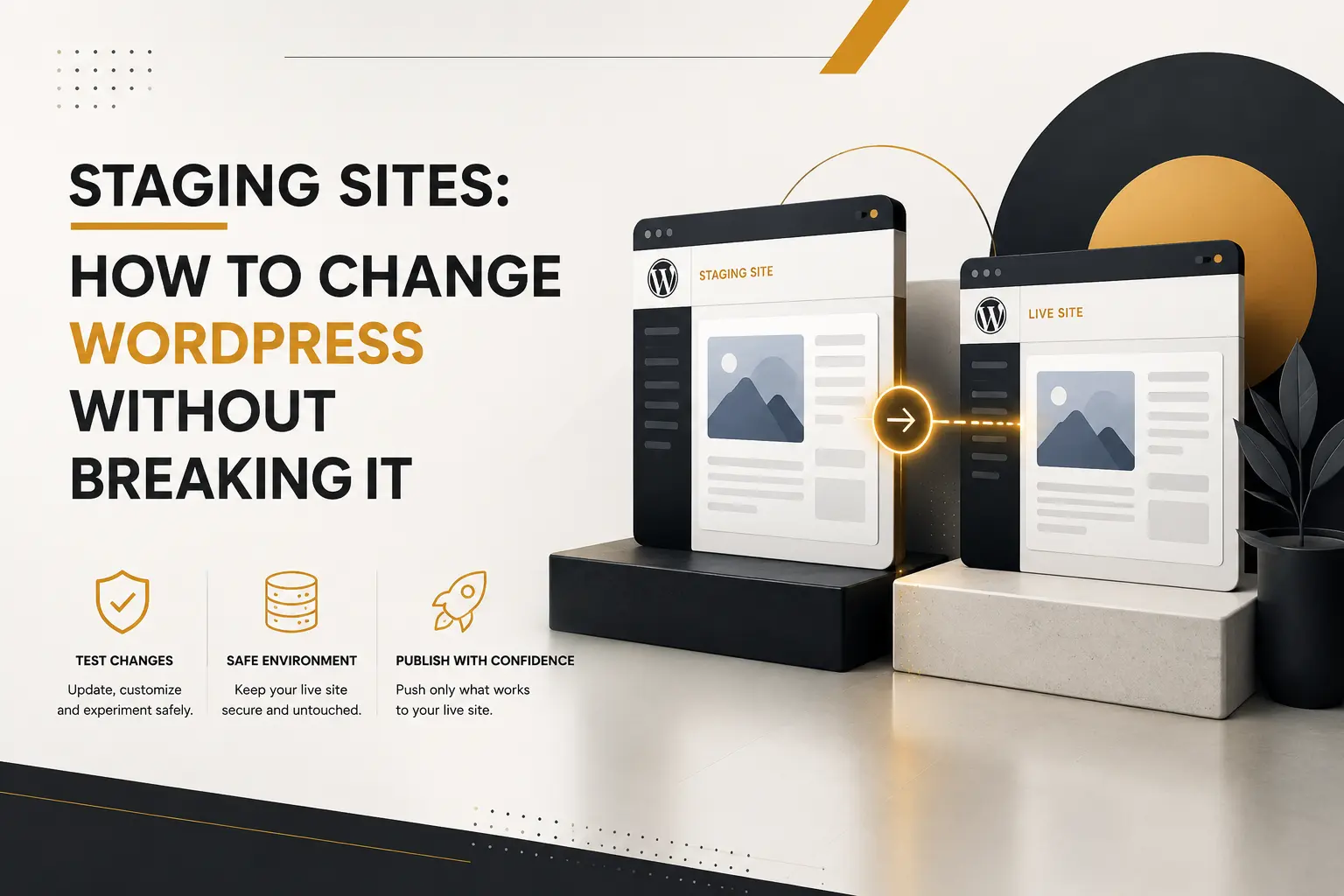
A staging site is a private copy of your live website, on the same kind of server, where you can break things safely. Therefore updates, new plugins, theme changes and redesign experiments all get rehearsed before customers see them. In addition, it gives you somewhere to show a client work in progress without publishing half-finished pages. Above all, it turns “I hope this works” into “I watched this work”.
Three ways to get one
First, your host may include one-click staging. That is the easiest route, because the copy runs on identical PHP and server software — which matters, since a bug that only appears on the live stack is worthless to you on staging.
Second, a plugin can clone the site into a subfolder or subdomain. This works on almost any hosting, so it suits shared plans without staging tools. However, watch disk space and remember to keep the copy protected.
Third, developers run a local copy on their own machine. That is fastest for building, yet least representative for testing performance. Consequently we use local for development and a server-side staging site for sign-off.
The one hard problem: database drift
Here is where teams get burnt. While you work on staging, the live site keeps changing — new orders, new comments, new blog posts, new customer accounts. So pushing your whole staging database over the live one would delete a week of real business. That is unrecoverable in practice.
Consequently, follow one rule: push files, not the whole database. Move themes, plugins and uploads. Then repeat the small number of settings changes by hand on live, or use a tool that syncs specific tables only. For a shop, never overwrite orders, customers or stock. Meanwhile, do your content edits on the live site, not on staging, so nothing has to be merged later.
Setting it up properly
- Block search engines. Add a noindex header and, better, HTTP password protection. Otherwise Google indexes a duplicate of your site.
- Disable outgoing email and payment gateways, so test orders never reach real customers.
- Turn on debugging. The WP_DEBUG documentation shows how to log warnings to a file rather than the screen.
- Refresh the copy before each round of work, because a three-month-old clone tests nothing useful.
- Keep a backup of live anyway — see backing up WordPress the right way.
Then build a routine around it. We test updates on staging weekly, check the top pages and the checkout, and only then apply them live — the discipline we described in why your website needs regular maintenance. Major releases get the same treatment, as our notes on WordPress 7.1 explain.
None of this is glamorous. However, a staging site is the cheapest insurance in the WordPress world, and the reason our clients’ updates are boring. If you want one set up, along with a monthly routine that actually gets followed, our team can put both in place this week.