Most people only think about backups the day something breaks. By then, it’s too late. A reliable WordPress backup is the cheapest insurance your website will ever have. Yet many owners get it wrong in ways they don’t discover until disaster strikes. So let’s do it properly.
Why one WordPress backup isn’t enough
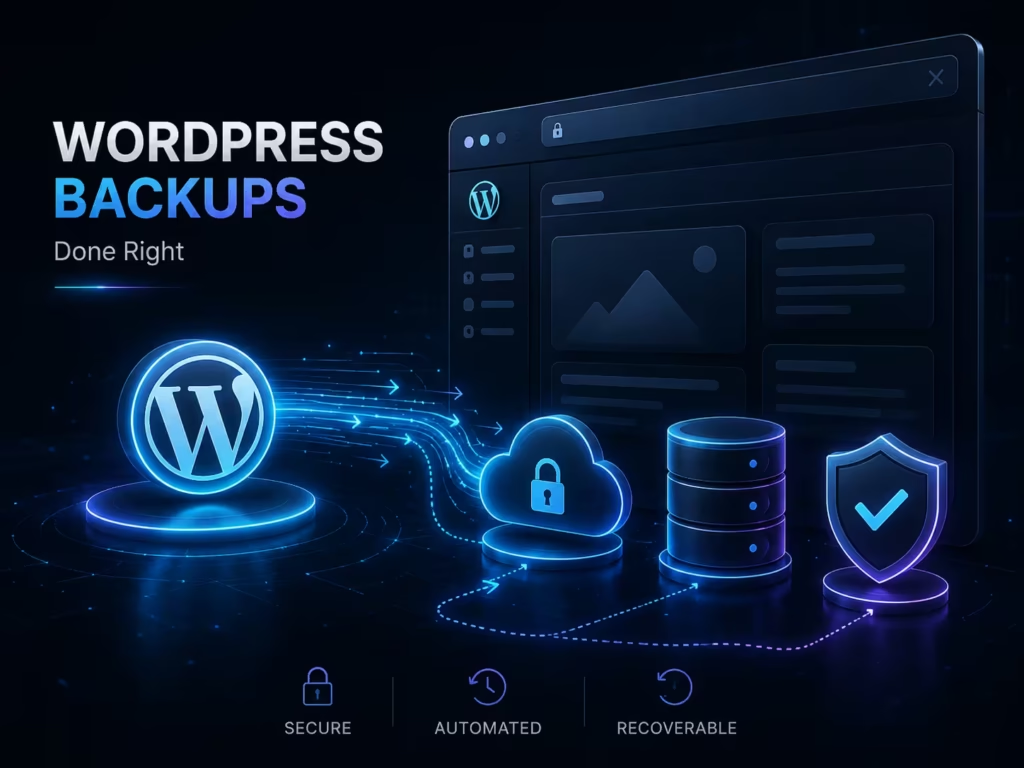
First, understand what can go wrong. A bad update, a hack, a failed plugin, or plain human error can all break a site. Meanwhile, a single backup sitting on the same server helps nobody if that server fails. Therefore, you need copies in more than one place. As a result, the golden rule is simple: keep at least three copies, on two types of storage, with one kept off‑site.
What a real backup must include
That said, a proper WordPress backup covers two parts. First, your files — themes, plugins, images and uploads. Second, your database, which holds every post, page, comment and setting. Because restoring one without the other leaves you with half a site. So always confirm your backup grabs both. Also, check it runs often enough. A shop needs daily backups, while a static brochure site may cope with weekly.
Automate it and store it off‑site
Meanwhile, never rely on remembering to do it manually. First, automate the schedule, so backups happen without you. Next, send them somewhere separate — cloud storage, not the same hosting account. Then, keep several versions, because you may need last week’s copy, not just last night’s. Good web hosting often includes backups, but treat that as a bonus, not your only line of defence.
The step everyone skips: test the restore
Above all, test that your backup actually restores. First, a backup you’ve never restored is only a hope. Next, run a test restore to a staging site every so often. Then, confirm the site comes back whole. Because the worst moment to discover a broken backup is during a real emergency. This is exactly the discipline behind regular website maintenance.
Backups are part of security
Meanwhile, remember why this matters so much now. First, ransomware and hacks are rising, as we cover in our WordPress security checklist. Second, a clean, recent backup is often your fastest recovery. Therefore, backups and security go hand in hand. For the official approach, the WordPress documentation walks through the process step by step.
The bottom line
In short, a good WordPress backup is automated, complete, stored off‑site, and — above all — tested. So set it up once, verify it works, and sleep easier. If you’d like backups, updates and security handled for you, our team keeps WordPress sites safe and recoverable. After all, the best backup is the one you already have when you need it.