“How many plugins is too many?” sounds sensible, but it asks the wrong question. Ten poorly maintained plugins can create more trouble than forty focused ones. A WordPress plugin audit examines what each plugin does, whether the business still needs it and what risk or weight it adds. The result is not the lowest possible count. It is a stack that somebody understands and can support.
A WordPress plugin audit starts with ownership
Export or write down the full list, including inactive and must-use plugins. For each one, record its purpose, owner, licence, last update and the feature that would disappear if you removed it. WordPress puts its built-in checks under Tools → Site Health. The official Site Health documentation recommends keeping WordPress, themes, plugins and the server environment current because maintenance affects both security and performance.
Do not assume an unfamiliar plugin is useless. It may connect payments, inject analytics, deliver email or create a field that appears on only one template. Ask the person responsible and check the front end before touching it.
Put every plugin into one of four groups
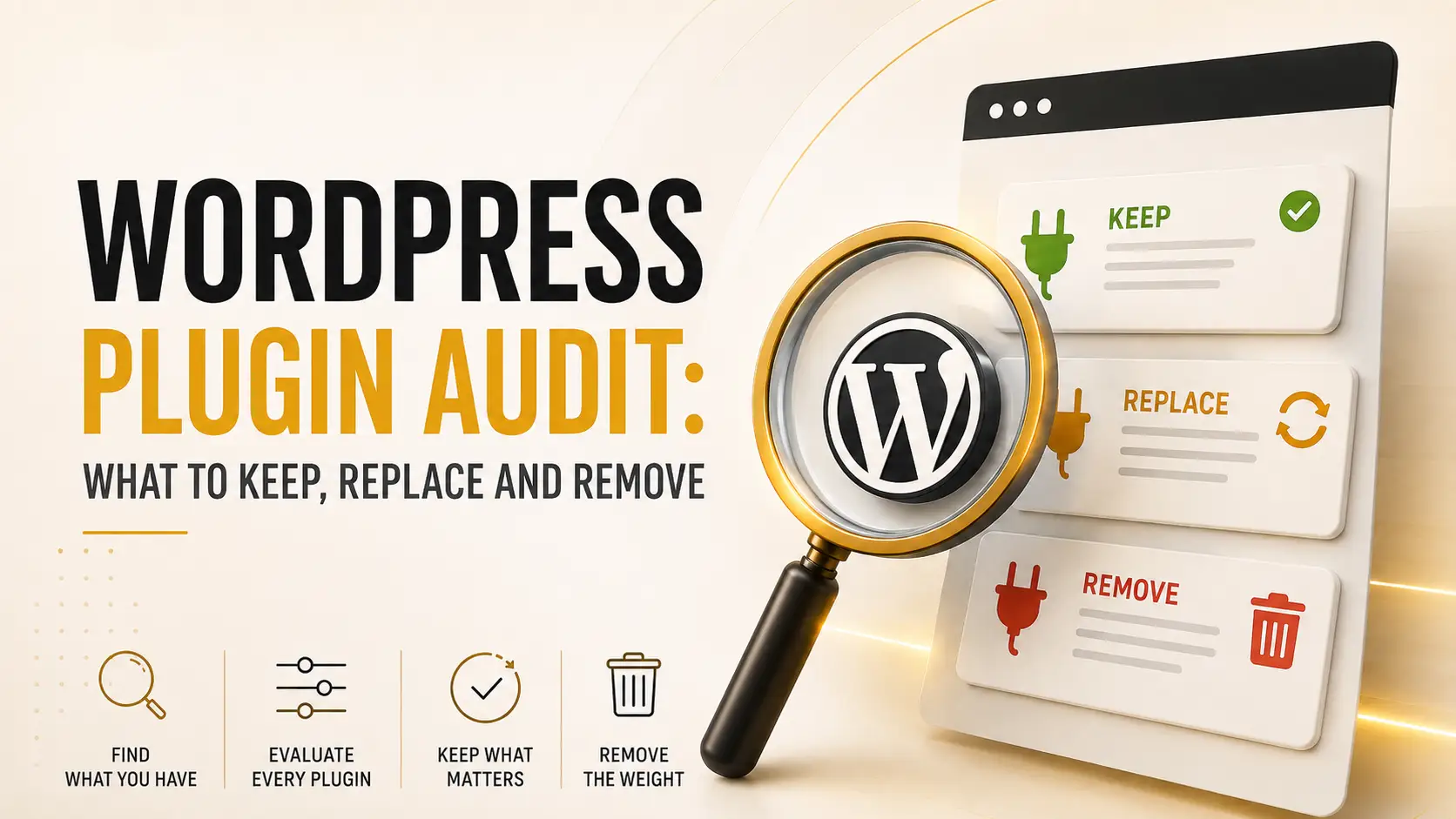
- Keep. It solves a current need, receives updates and has no unnecessary overlap.
- Configure. The plugin is useful, but disabled modules, logs or scheduled tasks need attention.
- Replace. It is abandoned, incompatible or duplicates a better-supported tool.
- Remove. The feature is gone, the campaign ended or the plugin has stayed inactive without a documented reason.
Overlap deserves special attention. Three optimisation plugins may each cache pages, minify scripts and rewrite images differently. Two security suites can block the same request twice. More software is not automatically more protection. Our comparison of WordPress caching plugins explains why one clear caching strategy beats stacked switches.
Remove plugins without gambling on production
Take a verified backup, clone the site to staging and test one change at a time. Deactivate the candidate first. Check important pages, forms, checkout, scheduled jobs, emails and the browser console. Then delete it through WordPress if nothing depends on it. Some plugins leave tables, options or uploaded files behind; remove those only after confirming what they contain and keeping a rollback point.
Our guides to WordPress staging sites and proper backups cover that safety net. Never use a live shop as the experiment.
Make the next audit boring
Review the list quarterly and whenever a major feature changes. Keep licences and renewal owners in one place. Before installing anything new, ask whether WordPress, the theme or an existing plugin already handles the need. Finally, document the reason for every exception.
A clean plugin stack is not one with an impressive number. It is one where updates are routine, responsibilities are clear and removing a dependency does not become archaeology. It also makes every future upgrade easier to estimate and test. That is the real value of the audit.