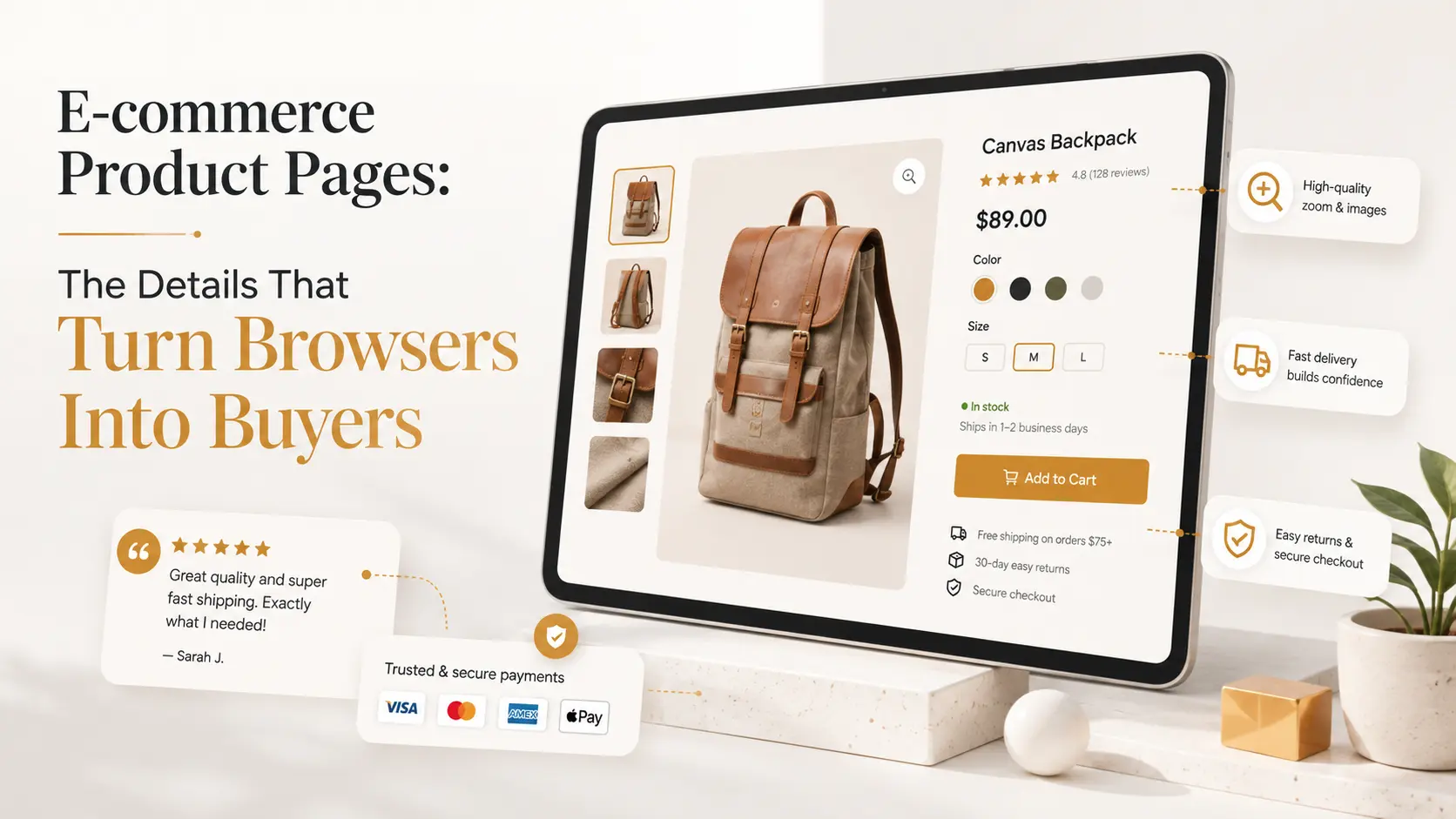
A category page helps someone find an item. An e-commerce product page has the harder job: replace the confidence a shopper would get from holding it, asking a salesperson and reading the box. When that page leaves practical questions unanswered, visitors do not always contact you. They compare another store that made the decision easier.
An e-commerce product page must answer six questions
Before the add-to-cart button earns a click, the shopper needs to know: Is this the right product? Will it fit or work? What exactly is included? What is the total cost? When will it arrive? What happens if it is wrong? Those answers belong near the buying decision, not scattered across a footer, an image or a PDF manual.
Clarity is also a requirement, not just a conversion tactic. Official EU consumer guidance says online buyers must receive clear information about the product, price, shipping and delivery costs, as well as their rights when something goes wrong. Greek e-shops should make those facts easy to find before checkout.
Build the page in the buyer’s order
- Name and summary. Use the language customers search for, then explain the main benefit in one sentence.
- Price and availability. Show VAT status, stock, variation pricing and realistic dispatch timing without surprises.
- Useful images. Include scale, detail, packaging and the product in context. Add video only when movement explains something.
- Selection controls. Make size, colour and quantity labels obvious, with unavailable combinations disabled rather than punished at checkout.
- Delivery and returns. Give a concise answer beside the decision and link to the full policy.
- Evidence. Reviews, specifications, guarantees and support details reduce different kinds of uncertainty.
Compress every image and deliver the right dimensions for the screen. A sharper product gallery does not need to be a heavier one; our guide to modern image optimisation shows how. On mobile, keep the selected variation, price and action understandable without a long journey back up the page.
Trust continues after “Add to cart”
Do not promise one delivery estimate on the product page and reveal another at checkout. Carry the selected variation accurately, preserve the basket and show familiar payment options. If you sell in Greece, our comparison of payment gateways for Greek e-shops explains the practical choices. Fast browsing matters as the catalogue grows, too, so test the recommendations in our guide to speeding up WooCommerce.
Improve the weak step with evidence
Track view-item, variation selection, add-to-cart and checkout events separately. Search queries, support questions and returns reveal missing information that analytics cannot explain alone. Fix repeated uncertainty before redesigning the whole template. Often one visible size guide or honest delivery line outperforms another visual effect.
The best product page is not the loudest salesperson. It is the well-informed one who answers quickly, sets accurate expectations and lets the customer decide. That combination improves conversion without creating regret after the sale.