Open the network tab on a slow business website and you will usually find the same culprit: a 4.8 MB photograph straight from a camera, displayed at 600 pixels wide. Image optimisation fixes that in an afternoon, and it remains the highest-return speed work available to most sites. So let’s go through what actually matters, in order.
The four levers of image optimisation
First, dimensions. Never serve an image larger than the space it fills, times two for high-density screens. A hero at 1600 pixels wide is plenty; 4000 is waste.
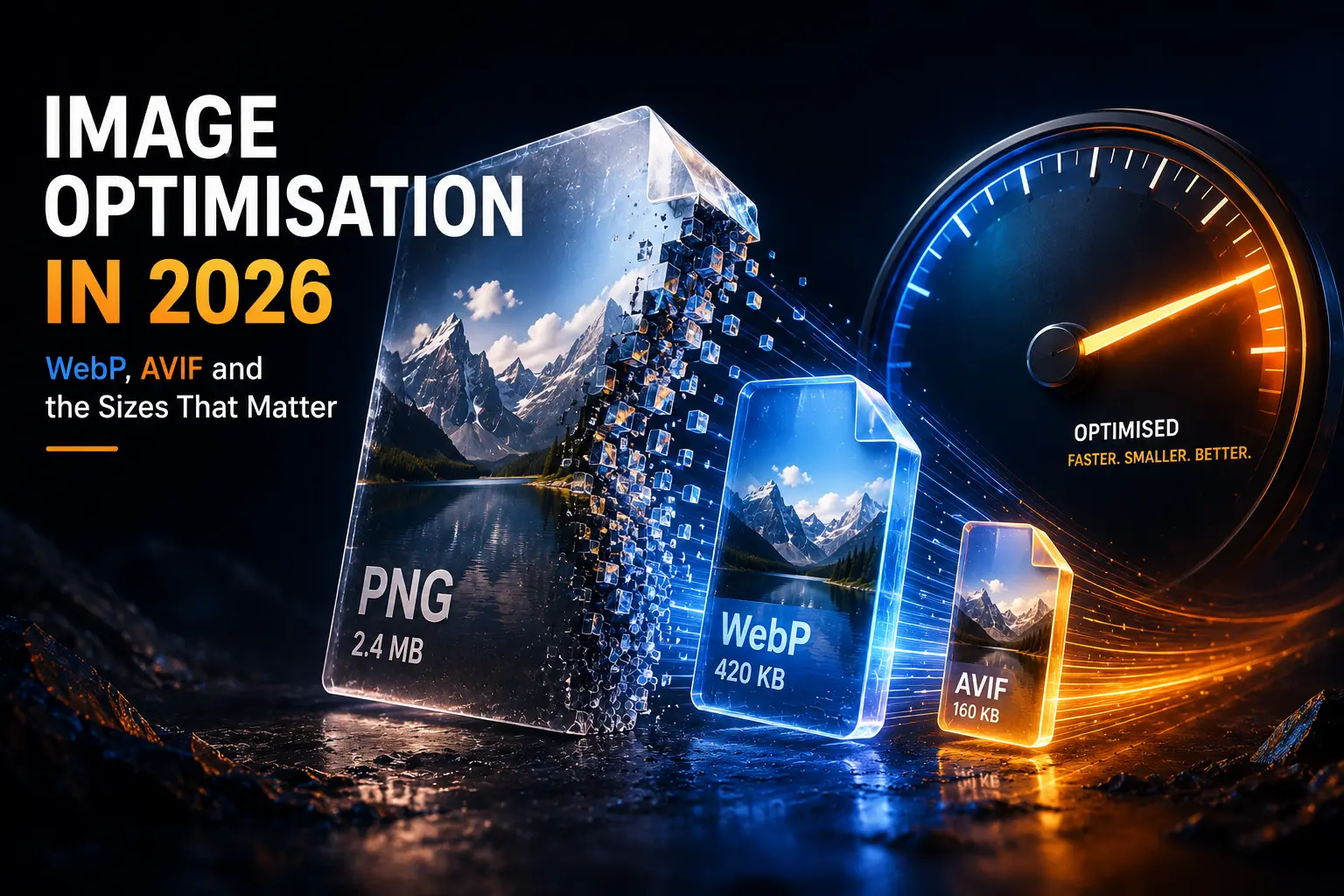
Second, format. WebP is now the sensible default, since every current browser supports it and files run roughly 25–35% smaller than equivalent JPEG. AVIF compresses harder still, especially on photographs, and support is broad — caniuse shows the current picture. Therefore serve AVIF with a WebP fallback where your tooling allows it. Meanwhile keep SVG for logos, icons and line art, because vectors stay sharp at any size and weigh almost nothing.
Third, compression. Quality around 75 to 82 is invisible to visitors and halves the file. Push lower on background textures, higher on product close-ups where detail sells.
Fourth, responsive delivery. A phone should not download the desktop version. WordPress generates multiple sizes and writes srcset automatically, so make sure your theme uses it rather than hard-coding a single large file.
Loading order: the part most people get wrong
Lazy loading defers images until they are needed, which helps a lot on long pages. However, lazy-loading your hero image actively hurts, because that image is usually your Largest Contentful Paint. So mark the first visible image eager and give it high fetch priority, then lazy-load everything below the fold. In addition, always set width and height attributes. Without them the layout jumps as images arrive, which is the layout shift we discussed in Core Web Vitals in 2026.
Doing it in WordPress without thinking about it
Automate the boring part. An optimisation plugin, or your caching plugin’s image module, can convert uploads to WebP or AVIF and strip metadata on the way in. Alternatively, a CDN with image resizing converts and resizes on request, which keeps your media library clean. Either way, fix the images already in the library — most plugins offer a bulk pass. Then agree one rule with whoever adds content: resize before upload, and never paste a screenshot as a PNG when a JPEG will do.
Two details that earn you traffic
Write real alt text. It serves people using screen readers first, and search engines second, so describe the image rather than stuffing keywords. Also give files meaningful names before upload — keramika-plakidia-mpanio.jpg tells Google something, while IMG_2841.jpg tells it nothing. If you generate visuals with AI, the same rules apply, plus the caveats in our post on AI image generation.
Good image optimisation is unglamorous and enormously effective: lighter pages, better rankings, happier mobile visitors on a Greek 4G connection. Our guide to page load time and conversions puts the commercial case in numbers. And if your media library has years of unoptimised uploads, our team can clean it up without breaking a single page.