
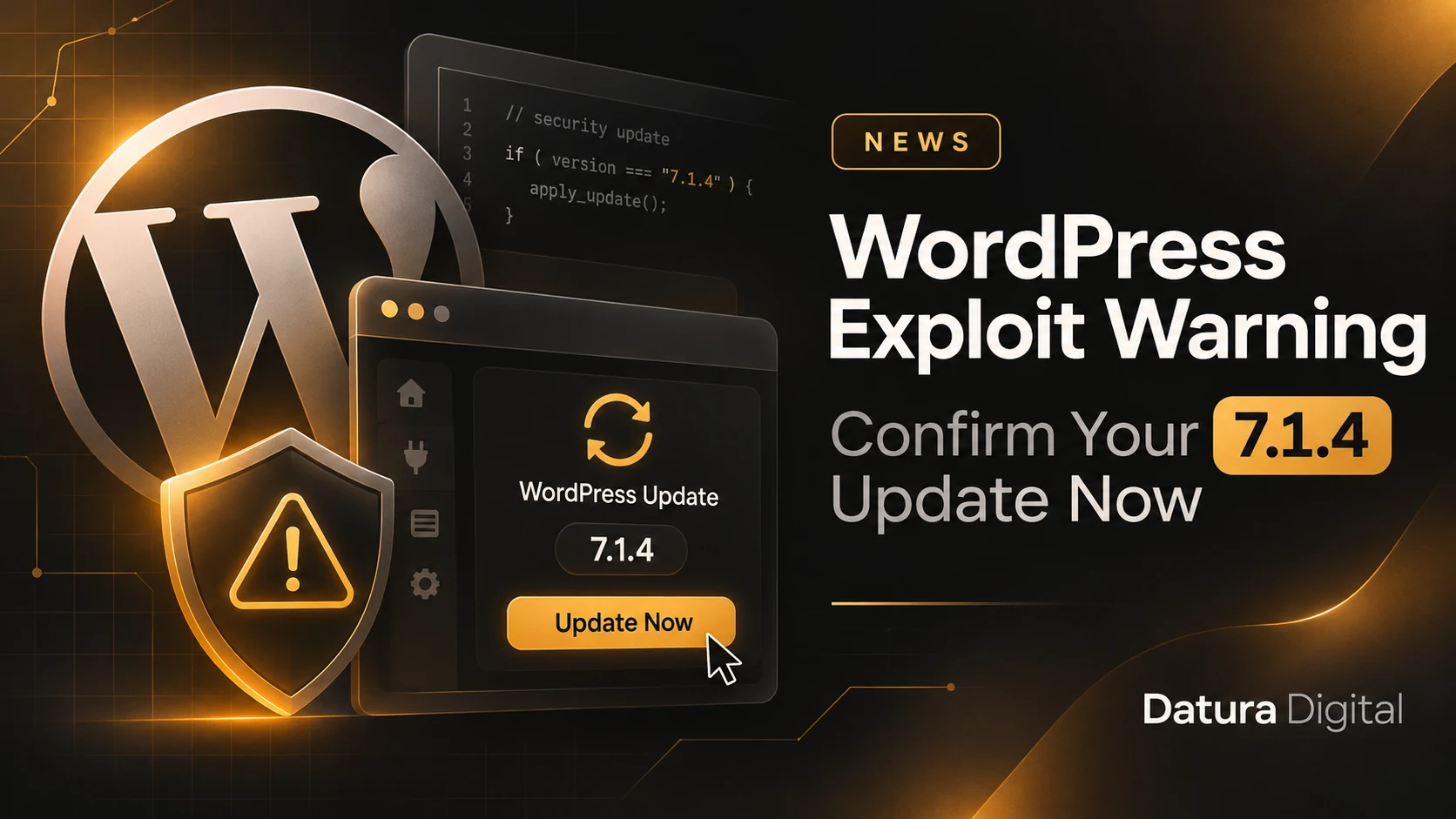
The WordPress exploit warning this week deserves a check of your actual installation. On 3 November 2026, Canada’s Cyber Centre reported that CISA added CVE-2026-119977 to its exploited-vulnerability catalogue. Its advisory identifies WordPress Core before 7.1.4 as affected. Therefore, an update email alone is insufficient evidence that every site has the fix.
What the WordPress Exploit Warning Changes
The 28 October security release fixes an upgrade-process weakness that can allow remote code execution during an upgrade. The fresh development is the exploitation warning, rather than a new major version. Consequently, waiting for December’s feature release leaves an avoidable gap.
For a business owner, the useful question is straightforward: which installations still need attention? Your main domain may be current while a campaign site, forgotten subdomain or staging copy remains exposed. Start with an inventory that names each installation and its responsible person.
Ask for Evidence From Every Installation
First, open the dashboard and record the installed version. Ask your maintainer to check background-update failures and confirm that the files match the intended release. Next, inspect the same details on secondary sites. Avoid treating a hosting account as a single installation.
Before updating, confirm that a recent backup exists and that someone can restore it. However, keep that preparation short and proportionate. A lengthy redesign review should not hold up a security patch. Our WordPress backup guide covers the recovery copy.
Check the Business Functions Afterwards
Then test a contact submission, an administrator login and a purchase in your gateway’s test environment. Check the Greek and English routes separately. In addition, confirm that scheduled tasks still run and that the update has not left maintenance mode active.
If you see unfamiliar users, unexpected files or suspicious outbound requests, preserve the relevant logs and investigate. Installing the fixed version closes the known weakness; it does not prove an attacker never entered. Keep patch verification and incident investigation as separate tasks with clear owners.
Close the Ticket With a Recorded Result
Finally, record the version, update time, backup location and checks completed. For ongoing work, browse our WordPress guides and maintenance articles. Ask for a short list of verified installations today. That list gives you something concrete to follow up when one site fails its update.