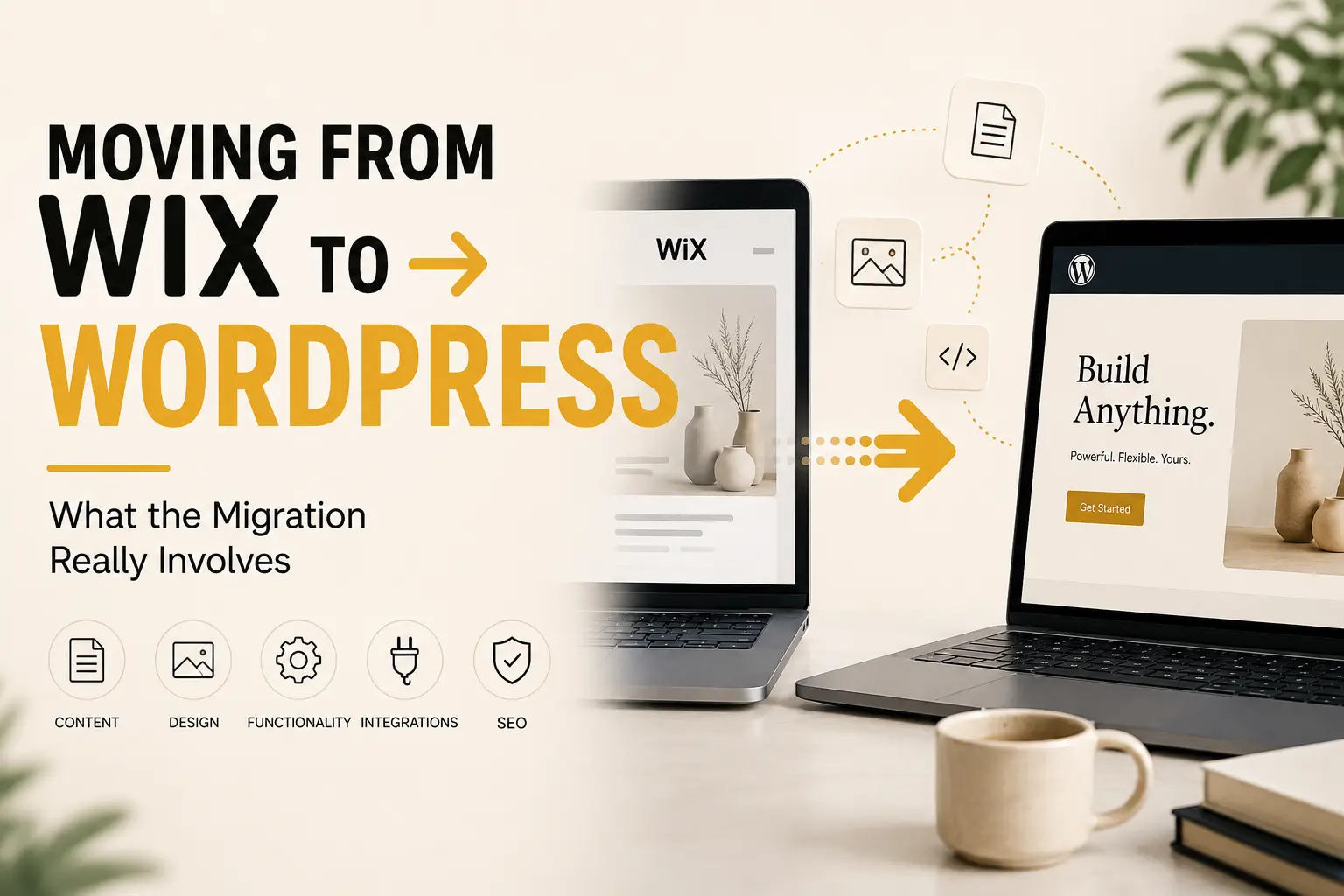
Site builders are wonderful until the day they are not. Moving from Wix to WordPress — or from Squarespace, or from any closed platform — usually starts when someone asks for something the builder will not do. So before you book the work, it helps to know which parts are easy and which parts nobody warns you about.
Why moving from Wix to WordPress comes up
Three reasons appear again and again. First, a feature the platform simply does not offer, such as a specific payment method or a custom booking flow. Second, cost: the monthly fee climbs as you add apps. Third, ownership — you cannot take the platform with you, and export options are deliberately thin. None of that makes builders bad. They are excellent for a first site, as our piece on what a business website should cost explains.
What transfers cleanly, and what does not
- Text and images move fine. Expect to re-upload the images at proper sizes rather than inherit them.
- The design does not move. You rebuild it, so treat the migration as a redesign and budget for it.
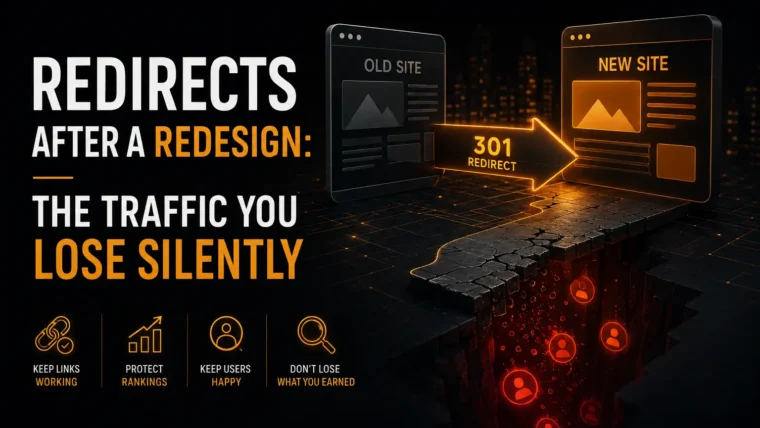
- URLs rarely match. Builders use their own path patterns, so you need a redirect map on day one.
- Forms and bookings get rebuilt. Their data usually stays behind, so export any submissions first.
That third point causes the most damage. Consequently the official WordPress guidance on moving a site spends most of its length on addresses rather than content.
The order that keeps your rankings
Build the new site quietly on a staging address first. Then list every existing URL and decide where each one lands. Next, match titles and headings to the old ones so search engines recognise the pages. After launch, submit the new sitemap and watch for crawl errors daily for a fortnight. Our comparison of WordPress and Webflow weighs the platform question itself, and local SEO for Greek businesses covers the listings that also need the new address.
A realistic expectation
Traffic usually dips for two to four weeks, then recovers past the old level if the redirects are right. Plan the move for a quiet month rather than before your busiest season. Above all, decide why you are moving before you start. “The builder cannot do X” is a good reason. “WordPress is better” is not, and it leads to a rebuild that costs money and changes nothing a customer notices.