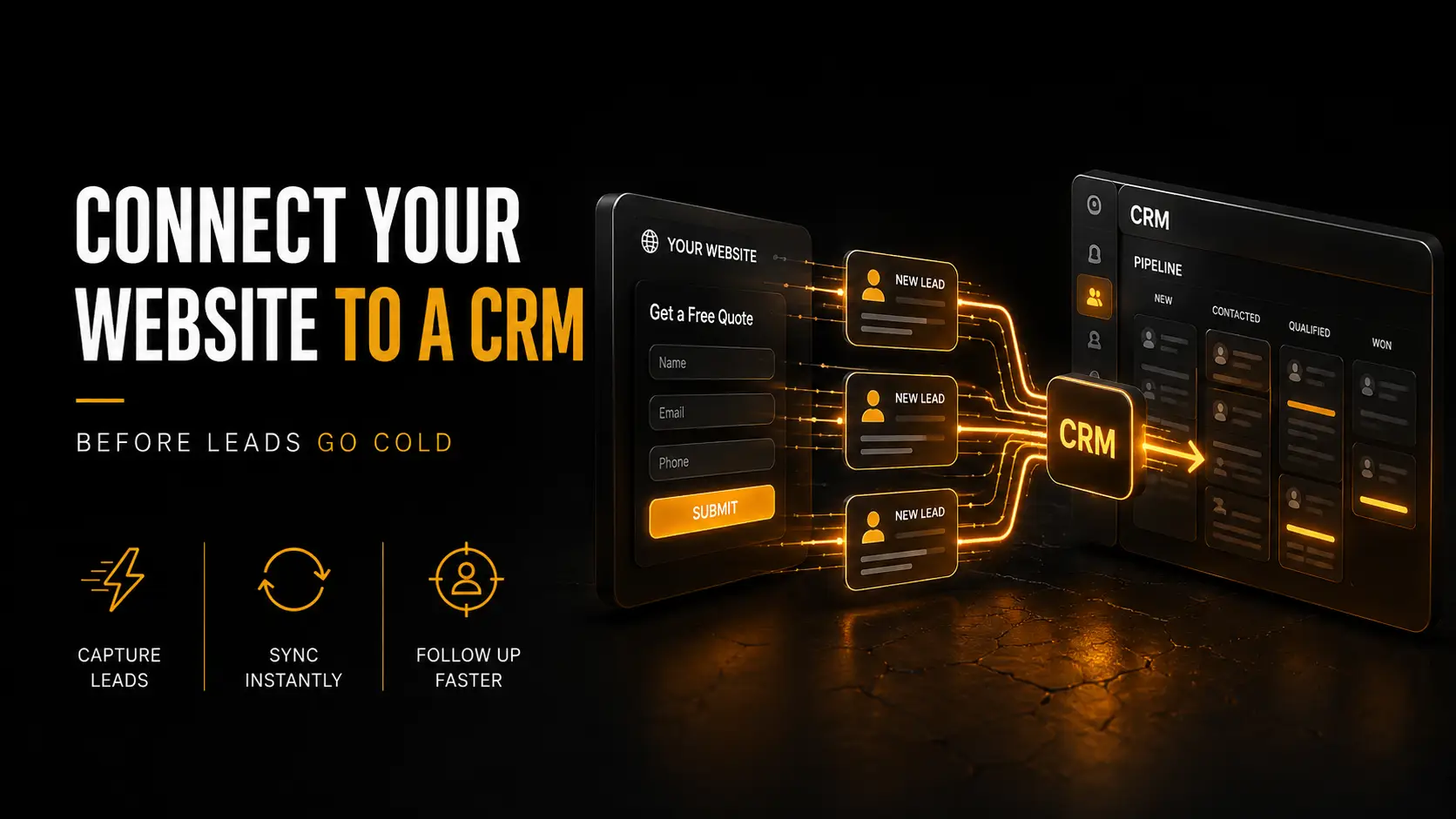
A promising enquiry arrives by email. Someone forwards it, somebody else copies it into a spreadsheet, and two days later nobody knows whether the customer received an answer. A website CRM integration closes that gap. It turns a form submission into a tracked record, assigns the next action and keeps the conversation visible without asking staff to copy the same details between systems.
What a website CRM integration should actually do
The simplest useful flow has six steps: validate the form, create or update a contact, record the source and consent, assign an owner, send an acknowledgement and create a follow-up task. That is enough to remove manual entry while leaving the human conversation with your team. It does not need an elaborate automation platform on day one.
Map fields deliberately. “Message” can become an enquiry note, but service interest should be a controlled value that routing rules understand. Keep the campaign source and landing page in separate fields. Use email or another stable identifier to avoid creating a new contact every time the same person returns.
Route leads without building a black box
- Define ownership. Every route needs a named person or queue and a fallback when they are away.
- Set a response target. Alert the owner immediately and escalate when a genuine enquiry remains untouched.
- Keep status simple. New, contacted, qualified, won and closed is better than twenty stages nobody uses consistently.
- Separate notification from storage. Email tells the team something happened; the CRM remains the shared record.
- Log failures. If the CRM API is unavailable, preserve the submission securely and retry rather than losing it silently.
Reliable delivery still matters for acknowledgements and alerts. If messages disappear into spam, work through our guide to business email deliverability before adding more automation.
Collect less data and explain the hand-off
A CRM is not permission to collect everything. The European Commission’s explanation of GDPR processing principles says organisations must collect only what is necessary for the stated purpose, keep it accurate and retain it no longer than needed. Tell visitors why you need each field, where their details go and how long you keep an unqualified enquiry.
Restrict CRM access by role, use encrypted connections and remove test submissions. Do not quietly add an enquiry to a marketing list; sales follow-up and newsletter consent are different purposes. Document any processors and data transfers in the privacy information.
Test the whole journey before launch
Submit the form on desktop and mobile, with valid and invalid data. Confirm deduplication, assignment, timestamps, acknowledgements and campaign attribution. Disconnect the CRM briefly in staging and verify the fallback. Then measure response time, contact rate, qualification and source quality. More leads are not useful when the team cannot act on them.
Start with the smallest dependable connection and expand only when the process earns it. That discipline also avoids the software sprawl covered in our SaaS subscription audit. If your forms and sales tools currently live in separate worlds, our team can design the integration, failure handling and measurement as one system.