Passwords are a daily nuisance and a constant security risk. So the industry has a replacement gaining real traction: passkeys. They promise logins that are both easier and far safer. But what are passkeys, and should your website support them? Let’s break it down without the jargon.
What passkeys actually are
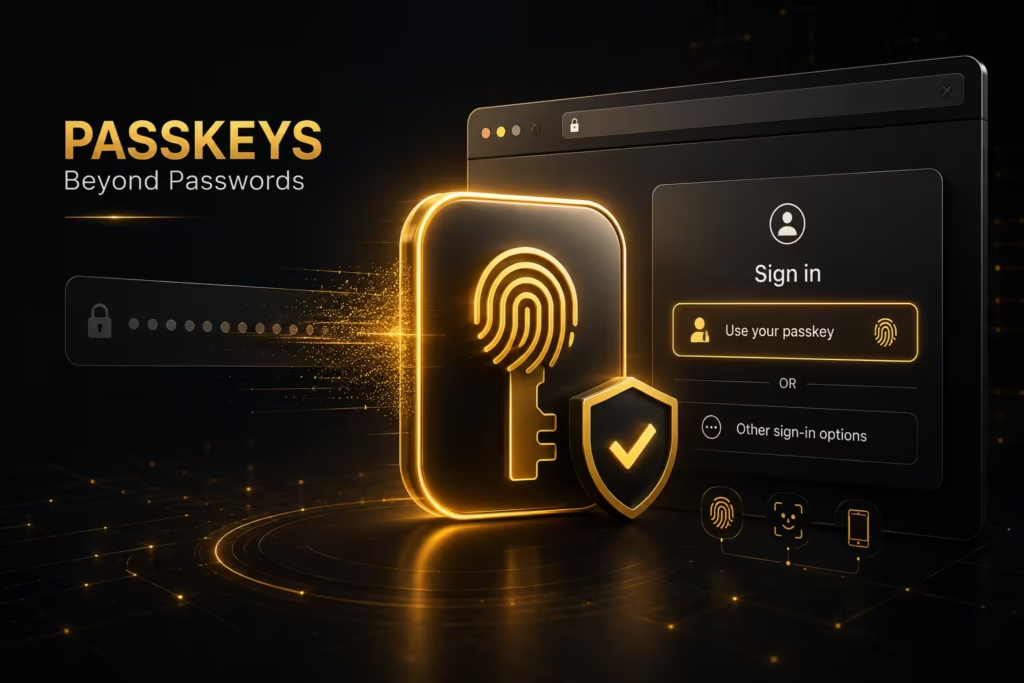
First, forget typing a secret. A passkey lets you sign in with your device — a fingerprint, a face scan, or a PIN. Meanwhile, behind the scenes, your device holds a private key and the website holds a public one. Therefore, no shared secret ever travels the internet. As a result, there’s nothing for a hacker to steal in a data breach. In short, passkeys replace “something you remember” with “something you have.”
Why passkeys beat passwords
So why does this matter? First, passkeys can’t be phished, because there’s no password to hand over. Second, they can’t be reused across sites, which kills a huge class of attacks. Third, they’re faster — a tap or a glance, not a typed string. Therefore, they improve both security and the user experience at once. That’s rare, because the two usually pull against each other. The FIDO Alliance, which develops the standard, has the full technical picture.
What it means for your website
That said, adding passkeys takes planning. First, your login system needs to support the standard. Next, you should keep a fallback, since not every user is ready. Then, you must handle account recovery carefully, because losing a device shouldn’t lock people out. So treat passkeys as an upgrade path, not an overnight switch. This is a design decision as much as a technical one, much like the choices in why a beautiful website isn’t enough.
Security still needs the basics
Meanwhile, passkeys don’t replace everything. First, you still need patched software and safe hosting. Second, you still need to protect the rest of your site, as our WordPress security checklist lays out. Therefore, think of passkeys as one strong layer, not a magic shield. Because good security is always several layers deep.
Should you adopt them now?
Above all, weigh your audience. First, if you run an online store or a members’ area, passkeys reduce both fraud and login friction. Next, if your site has no logins at all, you can wait. Then, when you do adopt them, offer passkeys beside passwords first. Because a smooth transition keeps everyone signed in.
The bottom line
In short, passkeys are the most promising login upgrade in years — safer, faster and genuinely user‑friendly. So plan for them if your site has accounts, and keep a fallback while adoption grows. If you’d like help adding modern, secure logins to your website, our team can implement passkeys properly. After all, the safest password is the one you never have to type.