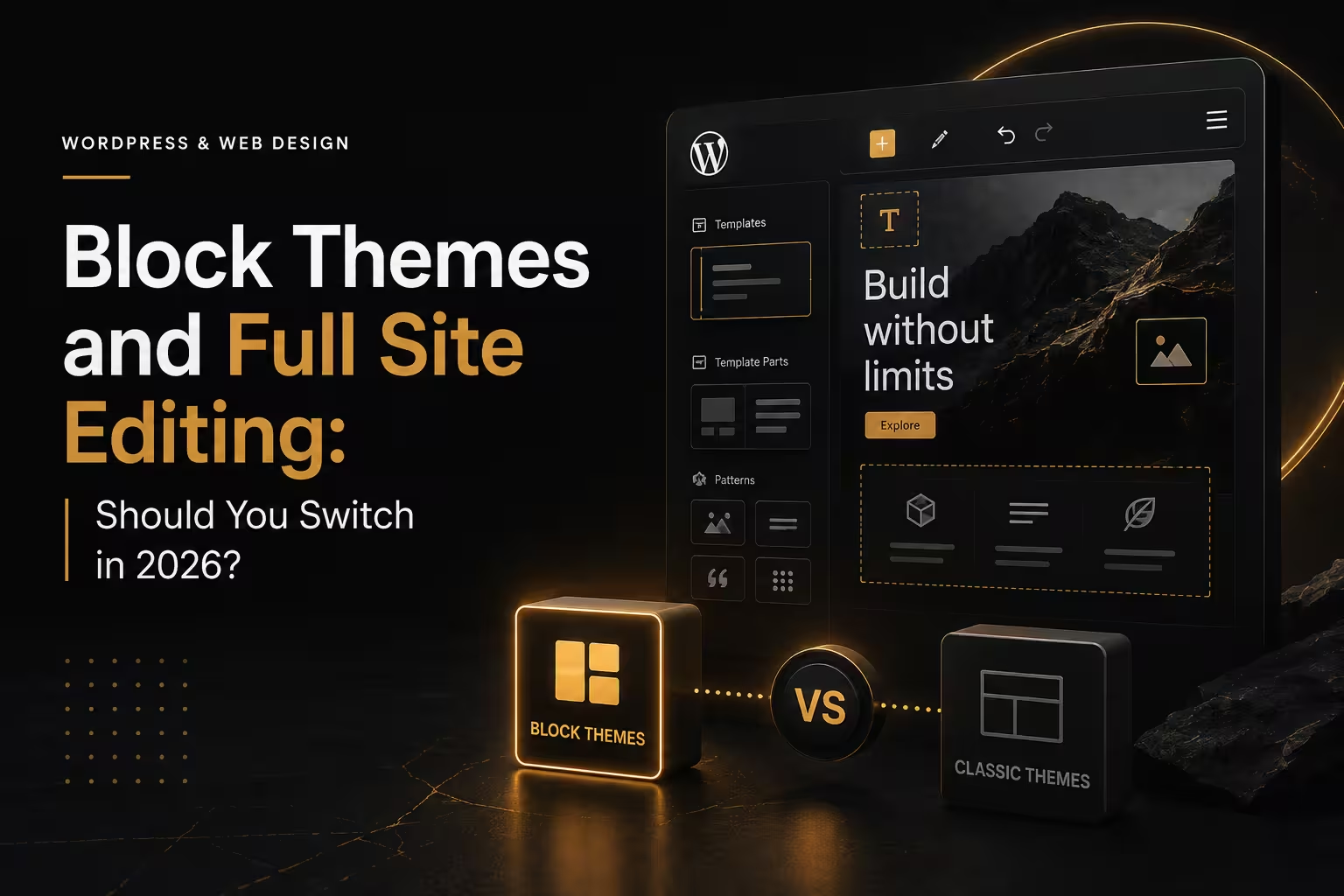
WordPress now ships with two ways to build a site, and the newer one changes the rules. Block themes replace PHP template files with block-based templates you edit in the browser, header and footer included. That sounds liberating, and often it is. However, switching mid-life on a working business site is a project, not a click. So here is an honest look at what you gain, what you lose, and when to move.
What block themes actually change
In a classic theme, a developer edits template files and you edit content. With block themes, the whole layout becomes editable through the Site Editor, and a single theme.json file defines your colours, spacing and typography. As a result, design decisions live in one place instead of scattered across CSS and options panels. In addition, patterns let you save a proven section — a pricing block, a testimonial row — and reuse it anywhere. The official block themes documentation is the reference if you want the technical shape.
The case for switching
First, speed. Block themes load far less code than a typical multipurpose theme plus page builder, so your Core Web Vitals usually improve without any special work. Second, ownership. Because the markup is native, your content does not depend on a builder’s shortcodes, which makes future redesigns cheaper. Third, consistency: theme.json stops the slow drift into eleven shades of blue. Finally, updates are calmer, since you are following core rather than chasing a plugin’s release cycle.
The case for staying put
That said, there are real reasons to wait. Some plugins still assume classic template hooks, so a WooCommerce shop with heavy customisation needs testing before anything else. Meanwhile, if your team knows Elementor or Divi well, retraining costs time — and a rushed rebuild can undo years of tuned landing pages. Our comparison of Elementor versus Divi still applies if you decide a builder fits your team better. In short, do not switch for fashion. Switch for a reason you can name.
How to move without breaking the site
Treat it as a migration. First, copy the site to staging and take a backup you have actually restored once. Next, list every page template, custom field and form in use. Then rebuild the templates as blocks, starting with the header, footer and single-post view. After that, walk your top ten pages side by side against production and compare content, links and headings. Finally, check speed and forms before you flip anything live. Our guide to backing up WordPress properly covers the safety net.
Our own view, from building client sites both ways: block themes are the right default for new business websites in 2026, and a considered project for existing ones. They keep the markup lean, the editing simple and the exit door open. If you want an assessment of your current theme before committing, our team will tell you plainly whether the switch pays for itself — or whether your money is better spent elsewhere.