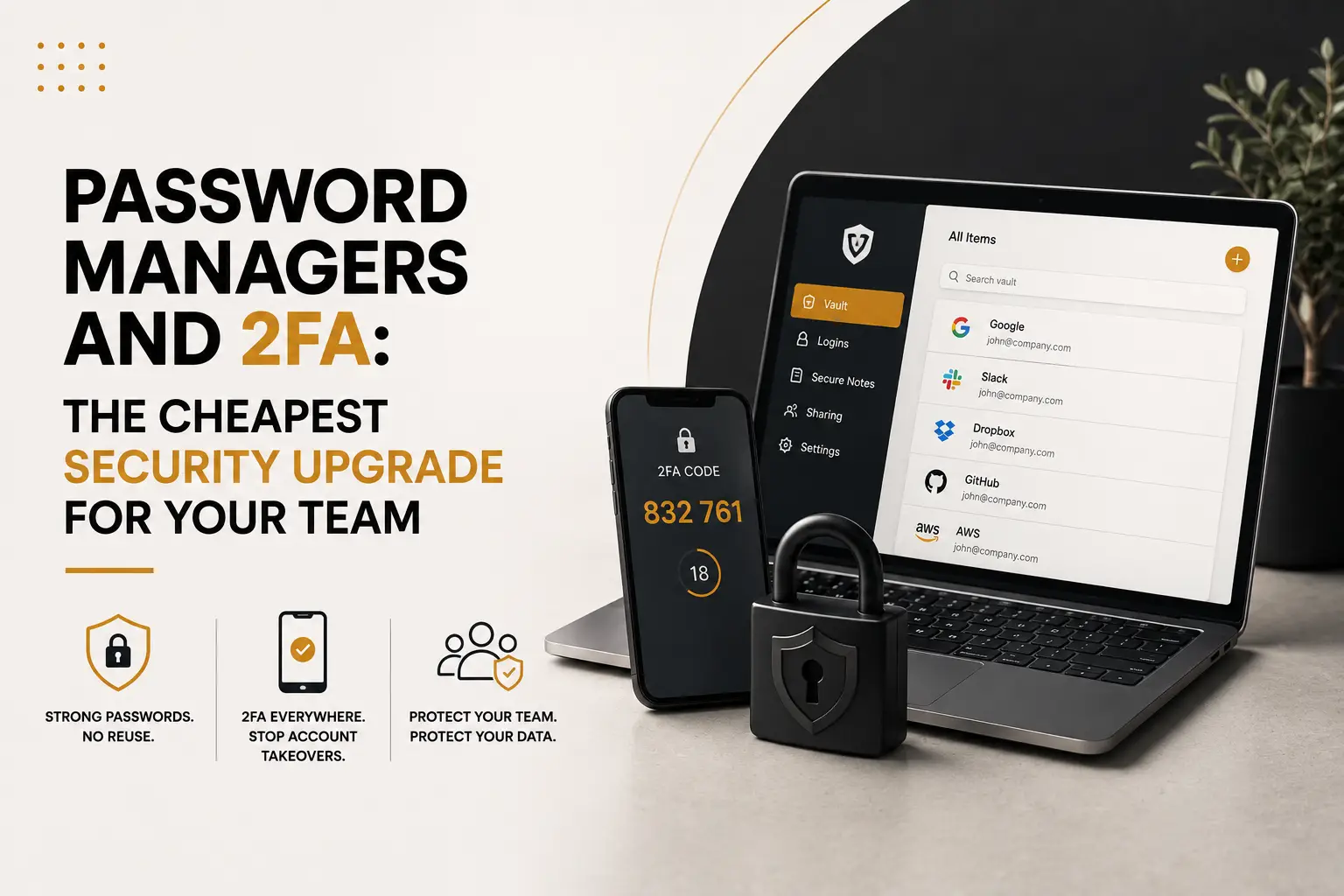
Most small-business breaches do not involve clever code. They involve a reused password, found in an old leak, tried against your email. A password manager plus two-factor authentication closes that door for a few euros per person each month. So this is the highest-value security spend available to a small team — and the easiest to postpone.
The problem is reuse, not weakness
A complicated password used everywhere is worse than a simple one used once. Because when any single service leaks, attackers replay those credentials across email, hosting and banking automatically. You can check your own exposure on Have I Been Pwned, and most people find something. Meanwhile the second common failure is sharing: the Wi-Fi password in a group chat, the admin login sent by email in 2021, the account still active for someone who left last spring.
What a password manager actually fixes
- Unique credentials everywhere, generated long and never retyped.
- Shared team vaults, so access is granted by role rather than forwarded by message.
- Instant revocation. When someone leaves, you remove them from the vault and rotate the few shared items.
- An audit view that lists weak, reused and leaked passwords, which turns a vague worry into a to-do list.
- Phishing resistance. Autofill refuses to complete on a lookalike domain, which quietly saves people from the attacks described in AI-powered phishing.
Then add the second factor
Even a stolen password fails against a second factor. However, not all factors are equal. An authenticator app is good, a hardware key is better, and SMS is the weakest because numbers can be hijacked. Therefore enable it in this order: email first, then your domain registrar and hosting, then WordPress admin, banking and social accounts. In addition, store the recovery codes somewhere that is not the same laptop. Passkeys go a step further by removing the shared secret entirely — see passkeys explained.
The three process rules that matter
First, no shared personal accounts — each person gets their own login with the rights they need. Second, keep one emergency administrator account with its credentials stored offline, so a departing employee cannot lock you out. Third, add an offboarding checklist: remove from vault, revoke sessions, transfer ownership of files and domains. Consequently, leaving becomes a five-minute task rather than a six-month risk. That evidence also answers the supplier questionnaires we described in NIS2 in practice.
None of this requires a security department. A password manager for the team, two-factor authentication on the accounts that matter and a written offboarding routine take an afternoon to set up. Our WordPress security checklist covers the site itself once the logins are safe. And if you want someone to roll it out across your team properly, our team can do it without disrupting anyone’s day.